



Common DC Drive Failures and What They Mean
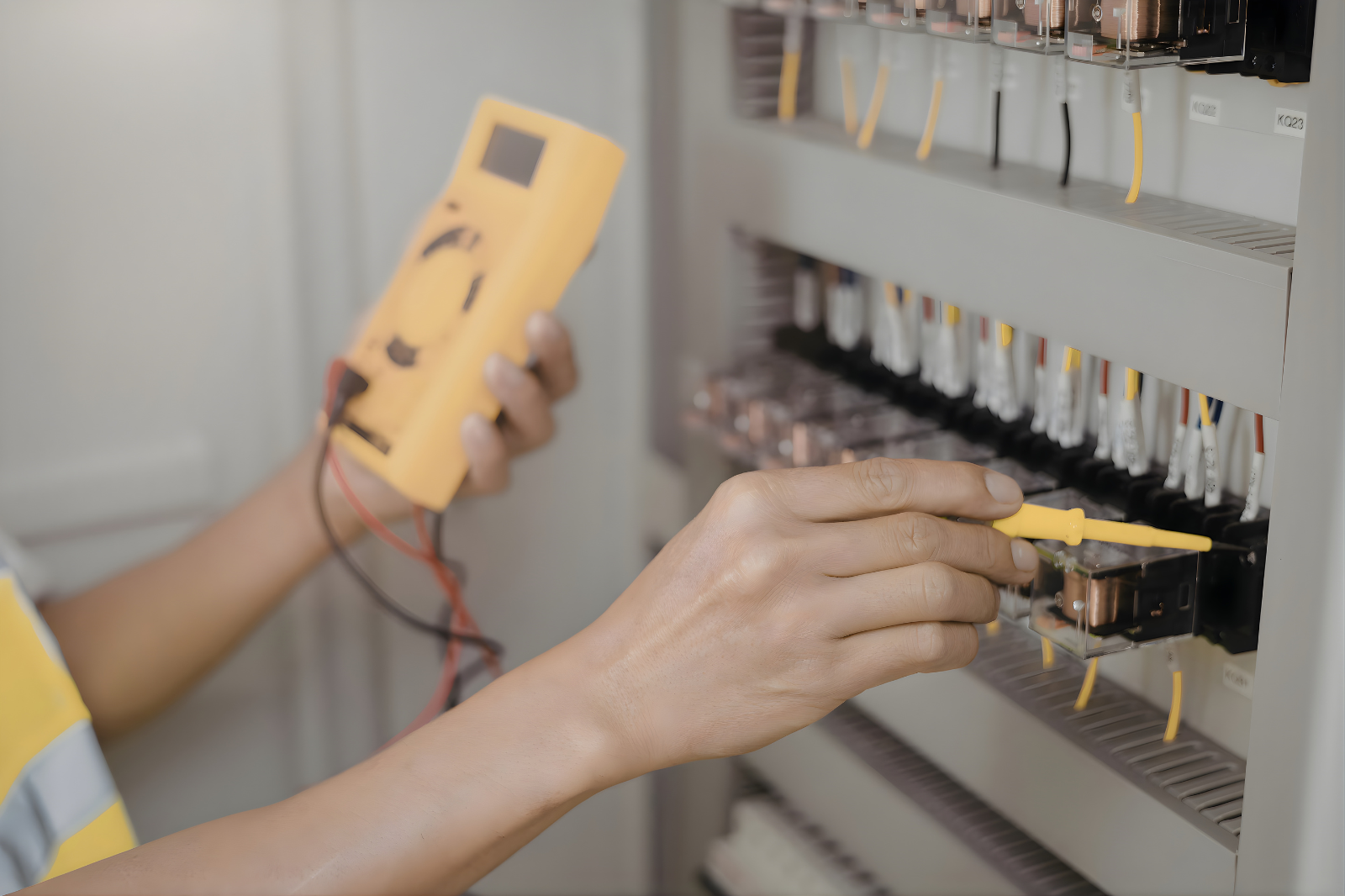
Photo Source: Smaranda Dragan’s Images
When a DC drive starts acting up, the drive itself isn’t always the whole problem. A fault can point to loose connections, cooling trouble, a failed board, setup issues, incoming power problems, or something happening elsewhere in the system.
That is what makes DC drive troubleshooting more involved than replacing parts and hoping the problem goes away.
A drive may stop running the motor. It may start blowing fuses or tripping breakers. It may overheat, fault out, or behave inconsistently. Sometimes the root issue is inside the drive. Sometimes it is tied to the motor, wiring, terminals, ventilation, or the conditions around the system. Common real-world failure points include motors not running, repeated fuse or breaker problems, loose connections, cooling fan issues, programming problems, and circuit board failure.
For facilities still relying on DC drives, the more useful question is often not just what failed, but what the failure is trying to tell you.
Why DC drive failures deserve a closer look
DC drives are often connected to older but still important equipment. In many plants, they are part of production lines that have been running for years and are still doing critical work.
That is one reason DC drive problems can be deceptive. What looks like a single failed component may actually be tied to age, heat, vibration, wear, poor connections, or stress elsewhere in the system. These issues often need to be evaluated in context rather than by symptom alone.
What does it mean when a DC drive won’t run the motor
If a DC drive will not run the motor, the problem may be in the drive, the motor, the control signal, the terminals, or the surrounding power and wiring.
This is one of the most common and frustrating symptoms because several different issues can lead to the same result.
Loose or poor connections
A bad connection at the drive or terminals can interrupt operation and create heat at the same time. Substandard connections can develop from heat cycles, mechanical vibration, reused hardware, and overtightened torque screws.
Power-section trouble
If there is a fault in the input or output power section, the drive may not be able to deliver the output the motor needs. That is one reason these sections should be checked carefully before power is applied after a fault.
Setup or programming issues
Sometimes the hardware isn’t the main problem. If parameters, references, or control logic are incorrect, the motor may not run even though the drive still powers up.
Motor-related problems
A motor that will not run does not automatically mean the drive has failed. Output voltages and current ratings going to the motor should also be checked when verifying drive function and motor rotation.
What repeated fuse failures or breaker trips may mean
When a DC drive keeps blowing fuses or tripping breakers, repeated fuse failures usually point to a deeper electrical issue that should not be ignored.
Repeated trips often suggest excessive current draw, a short, a failing power component, or a problem elsewhere in the system that is putting stress on the drive.
Shorted power components
A short in the input or output section can create immediate protection problems. That is one reason those sections should be checked before the unit is fully powered.
Wiring or terminal trouble
Loose, damaged, or overheated connections can create unstable operation and recurring fault conditions.
Motor or load issues
If the motor or driven equipment is binding, overloaded, or under unusual stress, the drive may draw more current than it should and trip protective devices.
Incoming power problems
The issue may not start inside the drive at all. Supply-side electrical issues can also contribute to repeated trips and unstable performance.
What overheating may be telling you
Heat is usually a warning sign that the drive is under stress.
That stress may be coming from inside the drive, from the environment around it, or from the load the drive is trying to handle.
Cooling fan failure
Non-functional cooling fans are a common drive failure for good reason. If cooling is reduced, internal components can run hotter than intended and wear out faster.
Dirty enclosures or restricted airflow
Even if a fan is still running, blocked airflow or poor ventilation can trap heat and raise internal temperatures.
Overload conditions
If the drive is working harder than it was designed to for long periods, that added demand can show up as excess heat.
Internal component stress
Boards, semiconductors, and other internal parts may begin running hotter before they fail completely.
What loose connections often reveal
Loose connections usually point to more than simple wear.
They often reflect an environment where vibration, heat cycles, repeated servicing, or poor installation practices have affected the drive over time. Substandard connections are often linked to heat cycles, mechanical vibration, reused torque screws, and over-tightening.
That matters because loose connections don’t just interrupt operation. They also create resistance, and resistance creates heat. Left alone, that can damage terminals, stress components, and lead to bigger failures.
What programming problems can point to
Programming issues often point to setup, communication, or application-related problems rather than hardware failure alone.
A drive may still power up normally but behave incorrectly because of bad parameters, control mismatches, reference issues, or changes that were made without being fully documented.
That is why DC drive troubleshooting should not stop at “the drive turns on” or “the board looks okay.” If the parameter set or control logic is wrong, the system can still fail even when the hardware itself is intact.
What circuit board failure may really mean
Circuit board failure often points to age, heat, electrical stress, contamination, or a chain of problems that has been building for some time.
Sometimes the board itself is the main failure. Other times, it’s the result of something else, such as cooling failure, poor power conditions, contamination, loose connections, or repeated overload.
That is why replacing a board does not always solve the problem if the original cause is still there.
What a DC drive fault can and can’t tell you
A fault code or obvious symptom can tell you where to start. It usually can’t tell you the whole story on its own.
A blown fuse, an overheating condition, a motor that will not run, or a failed board all point in a direction. They still need to be interpreted in context. The real issue may be the drive, the motor, the load, the incoming power, the wiring, the environment, or some combination of those factors.
That is why good troubleshooting goes beyond the first visible symptom. The goal isn’t just to react to the fault. It’s to understand what needs further inspection, service, or correction before the next failure follows. That is part of condition-based maintenance.
Why preventive maintenance matters with DC drives
Most drive failures don’t come out of nowhere.
Many drive failures can be avoided through preventive maintenance. A careful process includes checking terminals and connections, testing the power sections before applying power, and verifying output and motor operation step by step rather than jumping to conclusions.
For facilities still running DC drive systems, preventive maintenance can help catch:
- loose or heat-stressed connections
- cooling problems
- signs of overload
- developing power-section faults
- setup or parameter issues
- broader motor or load-related stress
When it makes sense to call for DC drive service
It’s usually time to bring in service when the problem is recurring, getting worse, or affecting production in a way your team cannot confidently isolate.
That may include situations where:
- the drive will not run the motor
- fuses or breakers keep blowing
- the drive is overheating
- the same fault keeps coming back
- motor response is inconsistent
- older hardware is still in service and the root cause is unclear
At that point, the priority is not just getting the system running again. It is figuring out what is behind the failure so the same issue does not keep disrupting production.
Looking beyond the fault
When a DC drive fails, the visible symptom is only part of the story.
A motor that will not run, repeated fuse failures, heat, cooling trouble, loose terminals, setup issues, or board damage all tell you something important. The real value comes from understanding what those symptoms suggest about the condition of the system as a whole.
That is how facilities move from repeated disruption to a more reliable fix.
Need help troubleshooting a DC drive issue? Control Concepts provides field service, engineering, in-house repair, and integration support for DC drive systems. If your team is dealing with a recurring problem or a fault you cannot confidently isolate, contact our team to take a closer look.
DC Drive Troubleshooting FAQ
What causes a DC drive to stop running the motor? A DC drive that won’t run the motor may be dealing with loose connections, power-section trouble, setup issues, motor-related problems, or wiring issues.
Why does a DC drive keep blowing fuses or tripping breakers? Repeated fuse failures or breaker trips can point to shorted power components, wiring trouble, motor overload, or incoming power problems.
What does DC drive overheating usually mean? Overheating often points to cooling fan failure, restricted airflow, overload conditions, or internal component stress.
Can a DC drive fault code tell you the full problem? Not by itself. A fault code can show where to start, but the root cause still needs to be evaluated in context.